Creating a home office that balances comfort with productivity can transform your work-from-home experience. Whether you have a dedicated room or just a corner of your living space, making your workspace cozy and efficient helps keep you motivated and focused throughout the day. In this post, we’ll explore practical tips to design a home office that’s both inviting and productive.
Choose the Right Location
Consider Natural Light
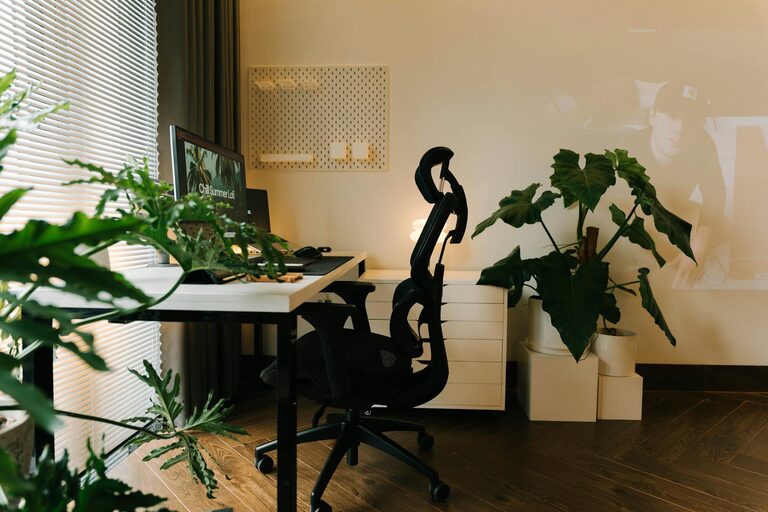
Placing your desk near a window allows you to benefit from natural daylight, which improves mood, energy, and focus. Avoid glare on your computer screen by positioning your desk perpendicular to the window.
Minimize Distractions
Select a quiet area away from heavy household traffic. If needed, use room dividers or noise-cancelling headphones to help maintain concentration in a busy home environment.
Invest in Comfortable Furniture
Ergonomic Chair
Since you’ll be spending hours sitting, invest in a good ergonomic chair that supports your back and promotes healthy posture. Adjustable height and lumbar support are key features to look for.
Functional Desk
Choose a desk with enough surface area for your computer, notes, and other essentials. Adjustable desks that allow standing and sitting can add variety to your work routine and reduce fatigue.
Organize Your Workspace
Declutter Regularly
A tidy workspace reduces stress and distractions. Use trays, boxes, or drawer organisers to keep stationary and documents neatly stored.
Use Vertical Space
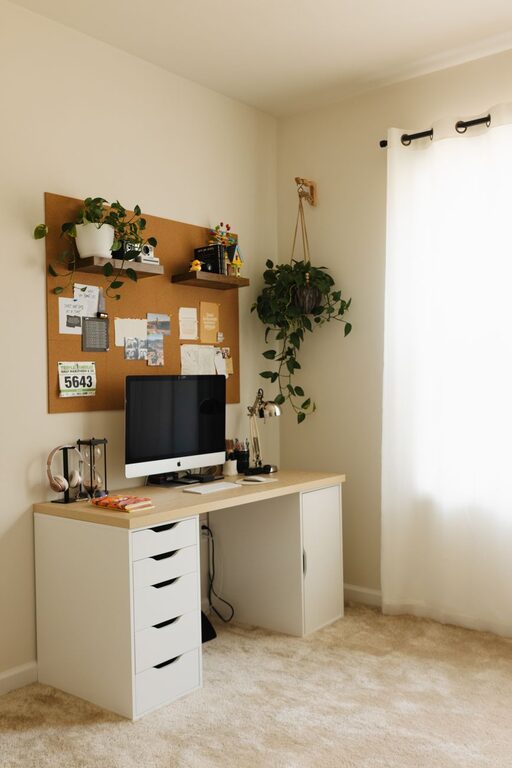
Shelving units or wall-mounted storage can free up desk space while keeping necessary items within reach.
Personalise Your Environment
Add Plants
Incorporating greenery not only brings life to the room but also helps improve air quality and gives a calming effect.
Decorate Thoughtfully
Choose artwork, photos, or inspirational quotes that motivate you without overwhelming the space. Keep colours soothing yet uplifting – soft blues, greens, or warm neutrals work well.
Manage Lighting
Layer Your Lighting
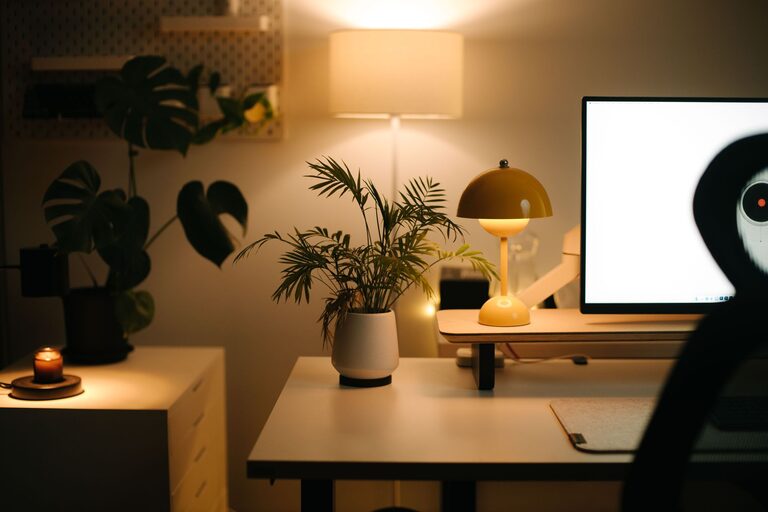
Besides natural light, use layered lighting for different needs: overhead lighting for general illumination, desk lamps for focused tasks, and ambient lights to create warmth.
Avoid Harsh Lighting
Opt for bulbs with a warm colour temperature (2700K to 3000K) to create a cozy atmosphere that won’t strain your eyes.
Set Boundaries and Routine
Clearly Define Work Hours
Communicate your working hours with household members to reduce interruptions. This separation helps maintain your focus and signals to others when you are “off-limits”.
Use Visual Boundaries
If your office shares space with living areas, use rugs or furniture arrangements to visually separate your work zone.
Technology and Tools
Reliable Internet and Equipment
Ensure you have a stable internet connection and up-to-date technology such as a good quality headset and webcam for virtual meetings.
Software for Productivity
Use apps and tools to organise tasks, schedule breaks, and manage your workflow efficiently.
Incorporate Comfort and Wellness
Take Breaks and Move
Set a reminder to stand, stretch, or walk regularly. Movement helps reduce fatigue and improves circulation.
Maintain Proper Ventilation
Fresh air boosts alertness. If possible, open windows regularly or use an air purifier.
Final Thoughts
Creating a home office that feels cozy and productive doesn’t require major renovations. Small changes like improving lighting, decluttering, selecting the right furniture, and personalising your space can make a big difference. Experiment with what works best for you, and gradually build a workspace that inspires both comfort and focus. Your home office should be a place where you look forward to spending time and getting things done efficiently.
About the Author