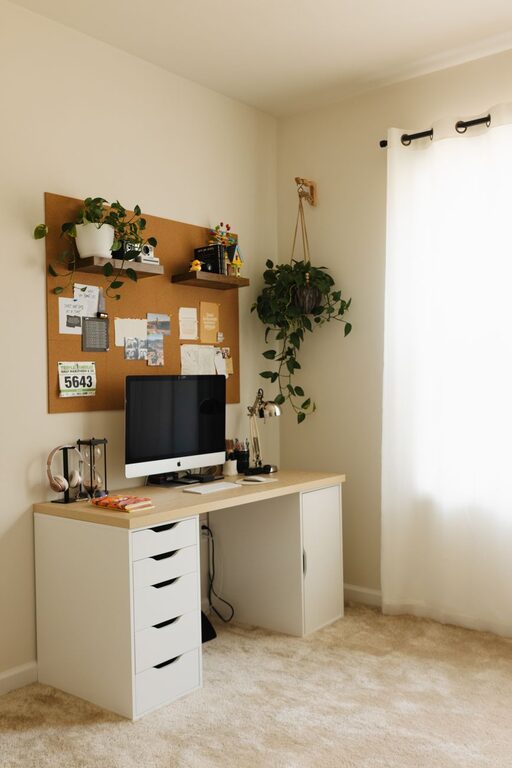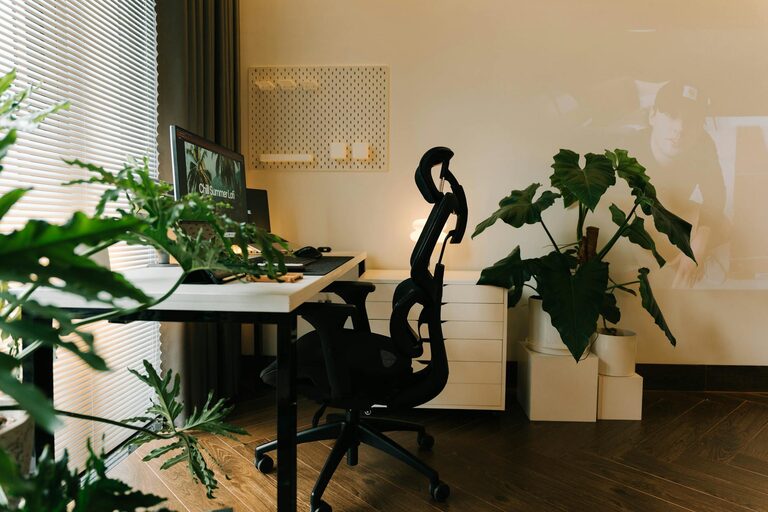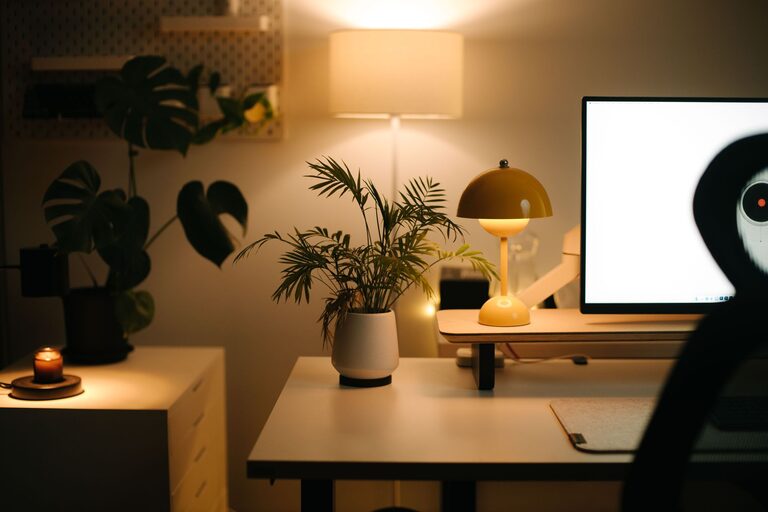
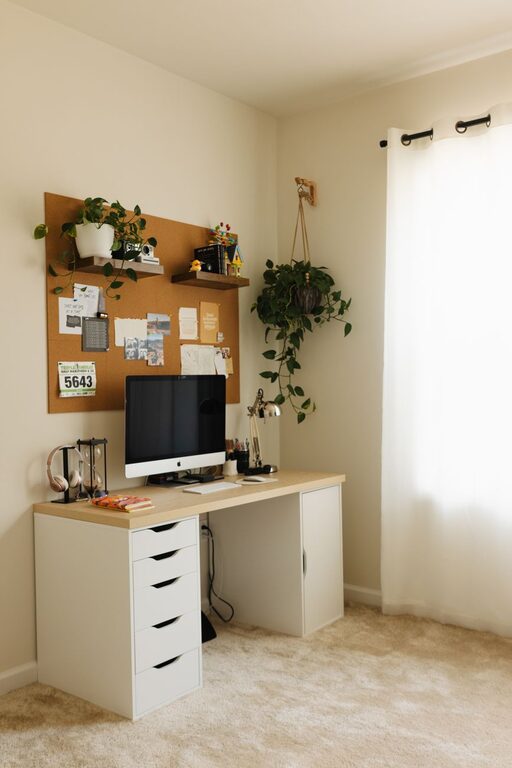
Creating a cozy and productive home office environment can significantly enhance your work-from-home experience. Whether you’re freelancing, managing a business, or attending virtual meetings, having a well-designed workspace helps improve focus, creativity, and well-being. Here are some practical tips to help you create a home office that’s both inviting and efficient.
1. Choose the Right Location
Consider natural light
Select a spot with ample natural light to boost your mood and energy. Position your desk near a window if possible, but avoid direct glare on your computer screen.
Minimise distractions
Pick a quiet area away from noisy parts of your home. Clear boundaries can help maintain focus, especially if multiple people share the space.
2. Invest in Comfortable, Supportive Furniture
Ergonomic chair
A good chair supports your spine and promotes good posture. Look for adjustable features such as height, armrests, and lumbar support.
Functional desk
Choose a desk with enough surface area to hold your computer, documents, and other essentials without feeling cluttered. Adjustable desks or standing desks are worth considering for flexibility.
3. Personalise Your Space
Bring in cozy elements
Add soft textiles like a throw blanket, cushions, or a plush rug to create a warm and inviting atmosphere.
Incorporate personal touches
Display artwork, photos, or plants to make the area feel uniquely yours. These items can also inspire creativity and positivity.
4. Create Effective Organization Systems
Use storage solutions
Shelves, drawers, and desk organisers keep your workspace tidy. A clutter-free environment reduces stress and improves concentration.
Digital organisation
Keep files and emails systematically arranged to avoid wasting time searching for important documents.
5. Optimize Lighting for Productivity
Layer your lighting
Combine ambient, task, and accent lights. A desk lamp with adjustable brightness helps reduce eye strain during focused work.
Choose the right bulb temperature
Cool white light (around 4000K-5000K) mimics daylight and promotes alertness, while warmer light is better for relaxation during breaks.
6. Manage Noise and Distractions
Use noise-cancelling headphones
These can block out disruptive sounds, helping you stay concentrated during work hours.
Background sounds
Some people find instrumental music or nature sounds helpful for maintaining focus. Experiment to see what works best for you.
7. Maintain Good Air Quality and Temperature
Ventilate regularly
Fresh air helps keep your mind alert. Open windows when possible or use air purifiers.
Comfortable climate
Adjust heating or cooling so the room feels neither too hot nor too cold. A comfortable temperature supports longer, more productive work sessions.
8. Incorporate Movement and Breaks
Create space for stretching
Allow room for simple exercises or standing up occasionally to prevent stiffness.
Use reminders
Set timers to encourage regular breaks and prevent burnout.
9. Technology Setup
Reliable internet and equipment
Ensure your Wi-Fi is strong and your computer, webcam, and microphone are working well for smooth communication.
Cable management
Keep cords organised and out of the way to reduce clutter and hazards.
10. Establish a Routine and Boundaries
Set work hours
Defining clear start and end times helps balance work and personal life.
Communicate with household members
Let others know your schedule to minimise interruptions.
—
Creating an effective home office is about blending comfort with functionality. By thoughtfully selecting your location, furniture, lighting, and organisation methods, you can build a space designed to keep you comfortable, focused, and productive. Don’t hesitate to experiment and adjust your setup to fit your unique needs. A cozy home office not only improves work output but also enhances overall well-being.
About the Author