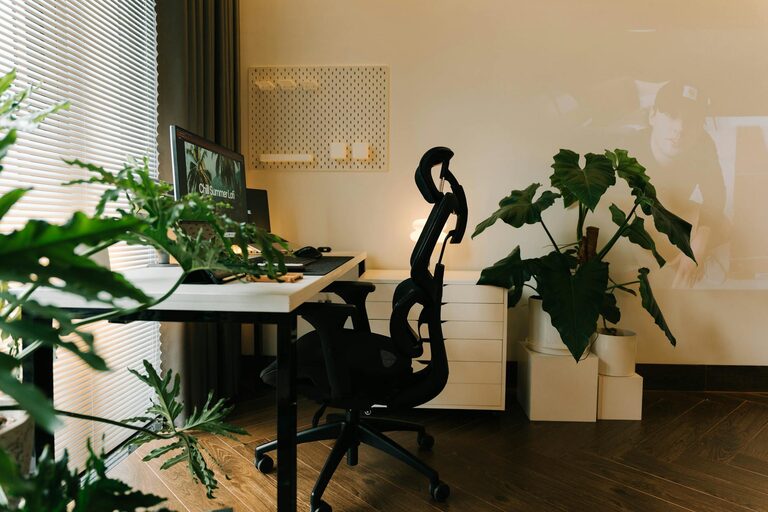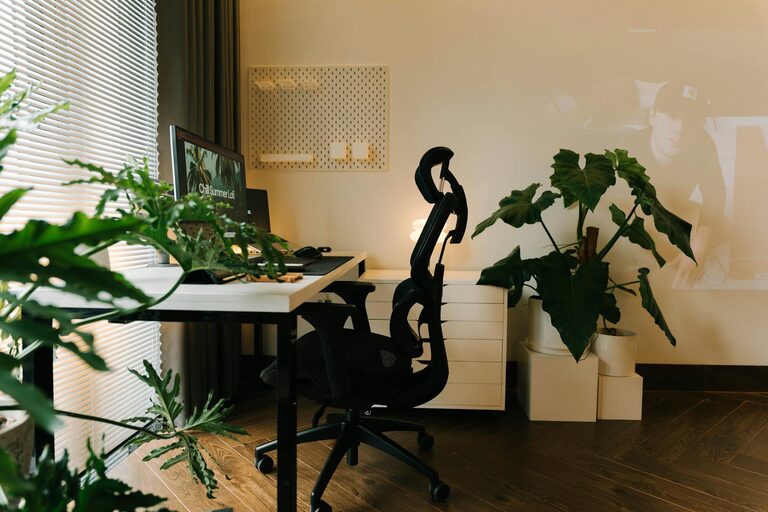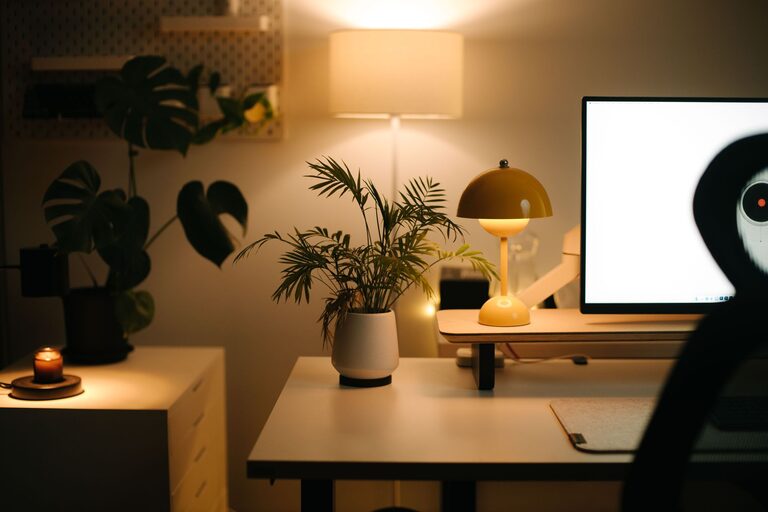
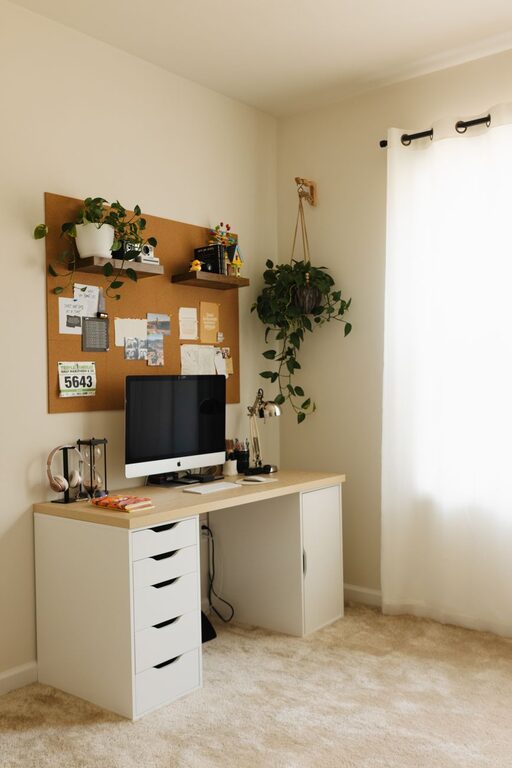
Creating a home office that is both cozy and productive can significantly improve your work-from-home experience. Whether you have a dedicated room or just a small corner, the right setup can help you stay focused, motivated, and comfortable. In this post, we’ll explore practical tips to help you design a workspace tailored to your needs.
—
Choose the Right Location
Selecting a suitable spot for your home office is the first step.
– Quiet and Private: Ideally, pick a location away from noise and distractions. This could be a spare room, a quiet corner in the living room, or even a converted attic.
– Natural Light: Position your desk near a window to take advantage of daylight. Natural light can boost mood and reduce eye strain.
– Accessible: Ensure easy access to necessary resources like your internet router, power outlets, and file storage.
—
Invest in Comfortable and Ergonomic Furniture
Your comfort matters a lot in creating a productive workspace.
– Ergonomic Chair: Choose a chair that supports your lower back and encourages good posture. Adjustable features for height and armrests are a plus.
– Desk at the Right Height: Your desk should allow your arms to rest comfortably at around a 90-degree angle when typing.
– Standing Desk Options: Consider a sit-stand desk that lets you alternate between sitting and standing throughout the day.
—
Personalize Your Space
Adding personal touches can make your workspace feel inviting and motivating.
– Decor: Use artwork, plants, or photos that inspire you but avoid clutter.
– Colours: Soft, neutral colours often promote calmness, while energizing colours like green or blue can enhance focus.
– Lighting: Besides natural light, incorporate warm desk lamps or adjustable lighting to reduce harsh shadows and eye strain.
—
Organize Efficiently
Clutter can be distracting and harmful to productivity.
– Storage Solutions: Use shelves, filing cabinets, or desk organizers to keep papers, office supplies, and gadgets tidy.
– Cable Management: Employ cable clips or sleeves to keep cords organised and prevent tangling.
– Digital Organisation: Maintain clean digital directories and backup important documents regularly.
—
Minimize Distractions
Fostering focus means controlling interruptions.
– Noise Control: Use noise-cancelling headphones or white noise machines if your environment is noisy.
– Set Boundaries: Inform family or housemates about your working hours to prevent unscheduled interruptions.
– Limit Digital Distractions: Use apps or browser extensions that block distracting websites when working.
—
Incorporate Technology Smartly
Modern technology can enhance productivity but should not overwhelm.
– Reliable Internet Connection: A stable and fast internet is essential for video calls and cloud work.
– Quality Equipment: Invest in a good monitor, keyboard, and mouse to reduce fatigue.
– Backup Power: Consider a UPS (uninterruptible power supply) to protect important devices against power failures.
—
Maintain Work-Life Balance
Your home office should support your well-being.
– Defined Work Hours: Create a schedule and stick to it to separate work and personal life.
– Take Breaks: Step away regularly to stretch and rest your eyes.
– End-of-Day Ritual: Clear your desk and shut down your computer to signal the end of your workday.
—
Conclusion
Designing a cozy and productive home office requires attention to comfort, organisation, and personal preferences. By carefully choosing your location, investing in ergonomic furniture, adding personal touches, and managing distractions, you can create a workspace that helps you perform at your best while feeling at ease. Remember, your home office should not only be functional but also a place you enjoy spending time in.
Experiment with these tips and tailor your space to what suits you best. Happy working!
About the Author