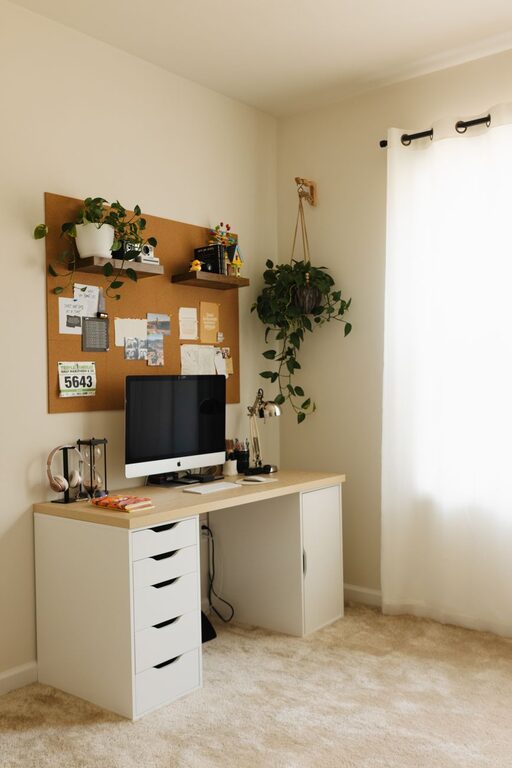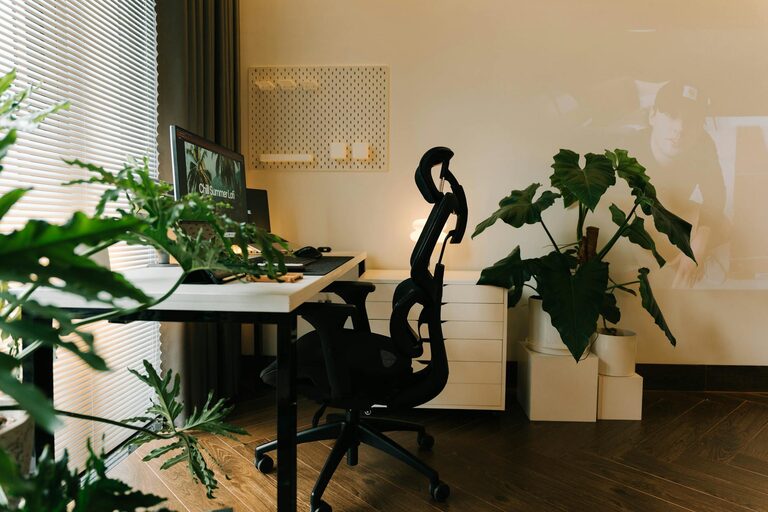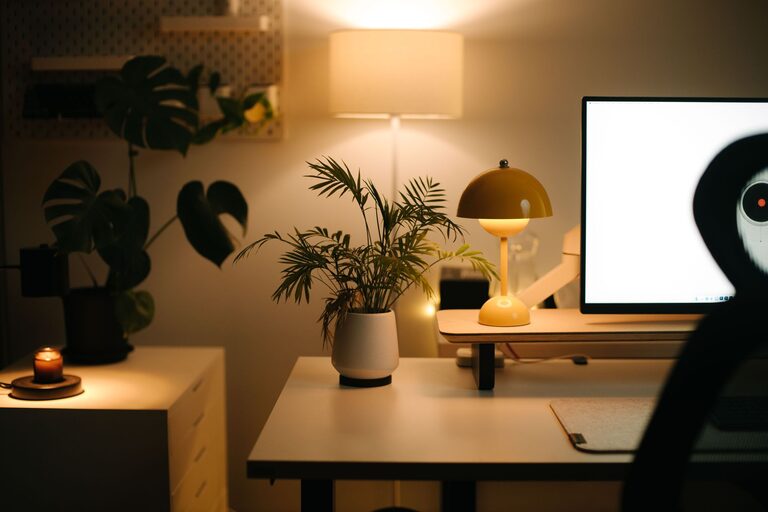
Creating an inviting home office is essential for anyone working remotely or spending significant time on tasks at home. A well-designed workspace can improve your productivity, comfort, and overall mood. Even if you have limited space, a few thoughtful changes can transform your work environment into a place where you enjoy spending time.
In this post, we share practical tips to help you create a home office setup that boosts both productivity and comfort.
Choose the Right Location
The first step in designing your home office is selecting an ideal spot. Consider these factors:
– Natural Light: Position your desk near a window if possible. Natural light reduces eye strain and improves mood.
– Quiet Area: Pick a space with minimal noise to help you focus without distractions.
– Separate from Living Areas: If you can, avoid placing your office in high-traffic or relaxing spaces like the bedroom or living room.
Invest in Ergonomic Furniture
Comfort is key to staying productive. Ergonomic furniture supports good posture and reduces fatigue.
– Desk: Choose a desk with enough surface area for your equipment and room to work comfortably.
– Chair: An adjustable chair with lumbar support will prevent back pain and maintain comfort during long hours.
– Monitor Stand: Keep your screen at eye level to avoid neck strain.
Organize Efficiently
Clutter can hinder your concentration. Use smart organisation strategies:
– Storage Solutions: Use shelves, drawers, and boxes to store documents and supplies neatly.
– Cable Management: Organize cables with clips, sleeves, or under-desk trays to keep the workspace tidy.
– Minimalist Setup: Keep only essential items on your desk to reduce distractions.
Personalize Your Space
Adding personal touches makes your office feel welcoming and motivating.
– Plants: Indoor plants improve air quality and add a touch of nature.
– Artwork: Hang pictures or prints that inspire or calm you.
– Colours: Choose a colour scheme that suits your style—soft blues and greens are calming, while yellows stimulate creativity.
Control Lighting
Proper lighting minimizes eye strain and boosts energy.
– Layered Lighting: Combine ambient, task, and accent lighting.
– Desk Lamps: Use adjustable desk lamps with warm light for focused work.
– Avoid Glare: Position screens to prevent glare from windows or overhead lights.
Maintain Good Air Quality and Temperature
A comfortable environment helps sustain concentration.
– Ventilation: Open windows regularly or use an air purifier.
– Temperature: Set the room temperature to a comfortable level, generally between 20-22°C (68-72°F).
Establish Boundaries
To maintain work-life balance, set clear boundaries between work and personal time.
– Define Office Hours: Stick to a schedule to avoid burnout.
– Work Zone: Use a room divider or curtain to separate work from living space, if needed.
Use Technology Wisely
Technology should support—not hinder—your workflow.
– Reliable Internet: Ensure fast and stable internet connection.
– Noise-Cancelling Headphones: Useful to block out distractions during calls or focused work.
– Keyboard and Mouse: Choose ergonomic peripherals to increase comfort.
Incorporate Movement Breaks
Sitting for long periods can affect health and productivity.
– Standing Desk Option: Consider a sit-stand desk to alternate positions.
– Reminders: Use apps or alarms to take regular breaks for stretching or short walks.
Keep It Clean and Refreshing
A clean space encourages focus and wellbeing.
– Daily Tidying: Spend a few minutes each day to keep the desk orderly.
– Refreshments: Keep water or a favourite drink handy to stay hydrated.
—
Designing a home office that works for you is a mix of thoughtful layout, comfort, organisation, and personalization. Implementing these tips will help you create a productive environment where work feels more enjoyable and less stressful. Remember, the goal is to build a space that you look forward to using every day!
About the Author